When we started working on the Assignments Dashboard, there wasn't much to go on — no layout, no clear sense of what kind of information should even appear there. Users had been asking for something more visual, something that would help them see the state of their projects and tasks at a glance. Their feedback kept circling back to the same theme: better visibility and stronger visual signals.
So I began with research, going through comments and usage data to understand what people actually needed from a dashboard like this. From there, I explored layout options, tested a few chart libraries to find the one that felt clear and lightweight, and then moved on to designing the individual cards — prioritizing the ones that carried the most value for everyday use.

The process started with research. I went through user feedback to understand what kind of information people actually wanted to see on their dashboard — what mattered day to day, and what was just noise. Once I had a clearer picture of their priorities, I sketched the first ideas for the layout and cards in Figma, focusing on how to surface key data without overwhelming the interface.
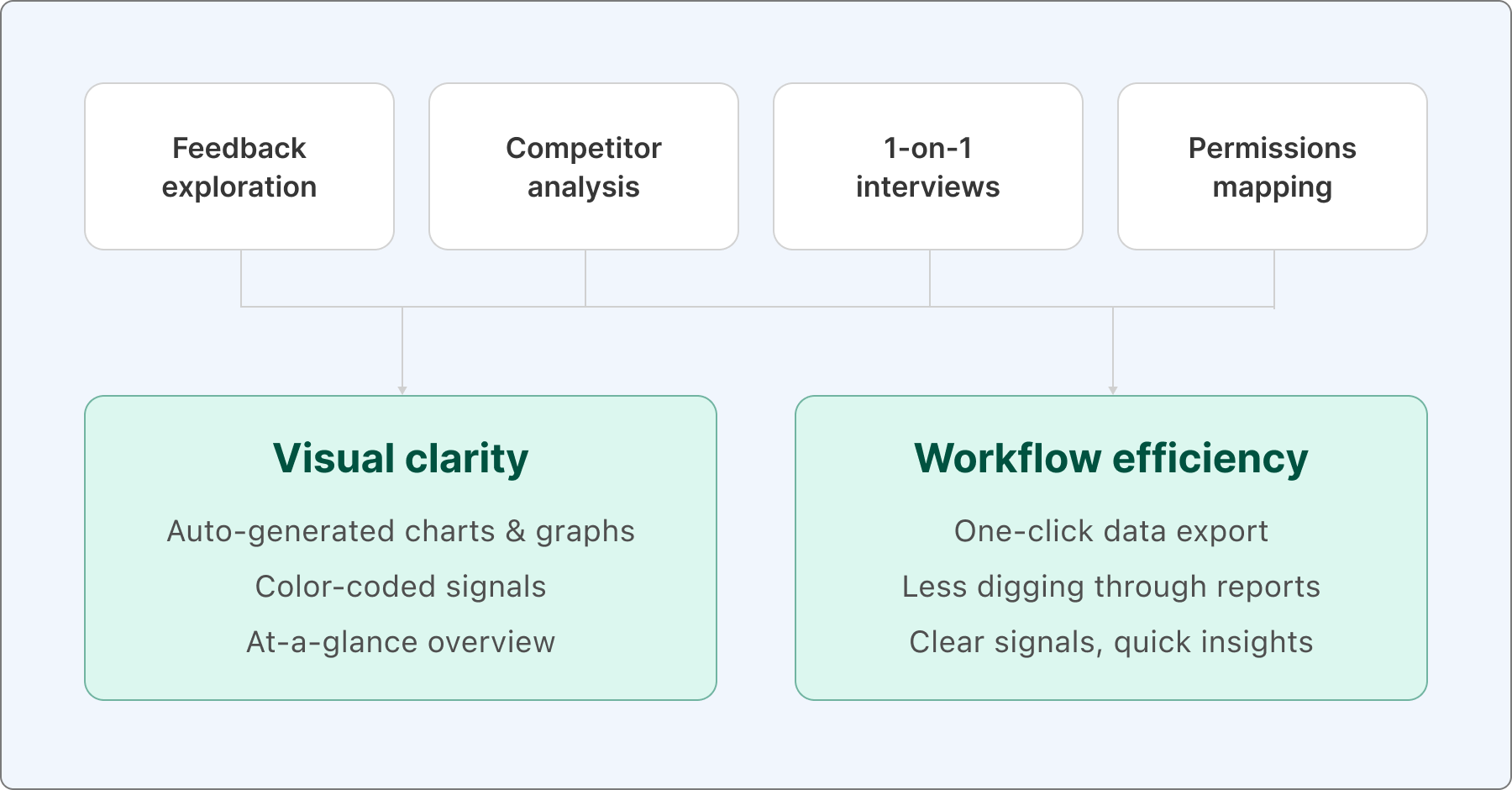
After designing the dashboard in a grid layout, I decided to test the idea before presenting it to the project manager and developers. I wrote a quick HTML and CSS prototype to see how the layout would behave at different screen widths. It was a simple way to check if the concept worked responsively and to get a more realistic sense of spacing, hierarchy, and how the cards would flow on smaller screens.
During this test, I also explored some practical details — should the widgets have a fixed height, what the minimum and maximum width of each card should be, and how the grid would adapt when space gets tight. On top of that, I integrated a few sample charts using Chart.js to see how well the library would perform inside one of these widgets.
The result is this CodePen:
The project manager and developers agreed on one thing — when the setup and preparation phase is done this way, everything that follows becomes much easier. Each step naturally led to the next, and before long, we had another dashboard ready to go — this time focused on Time Records.

Looking back, that bit of upfront work made a real difference. By testing the layout early and clarifying all those small details, we saved several weeks down the line. Once the groundwork was solid, the team could move fast and confidently, which clearly sped up the entire project timeline.
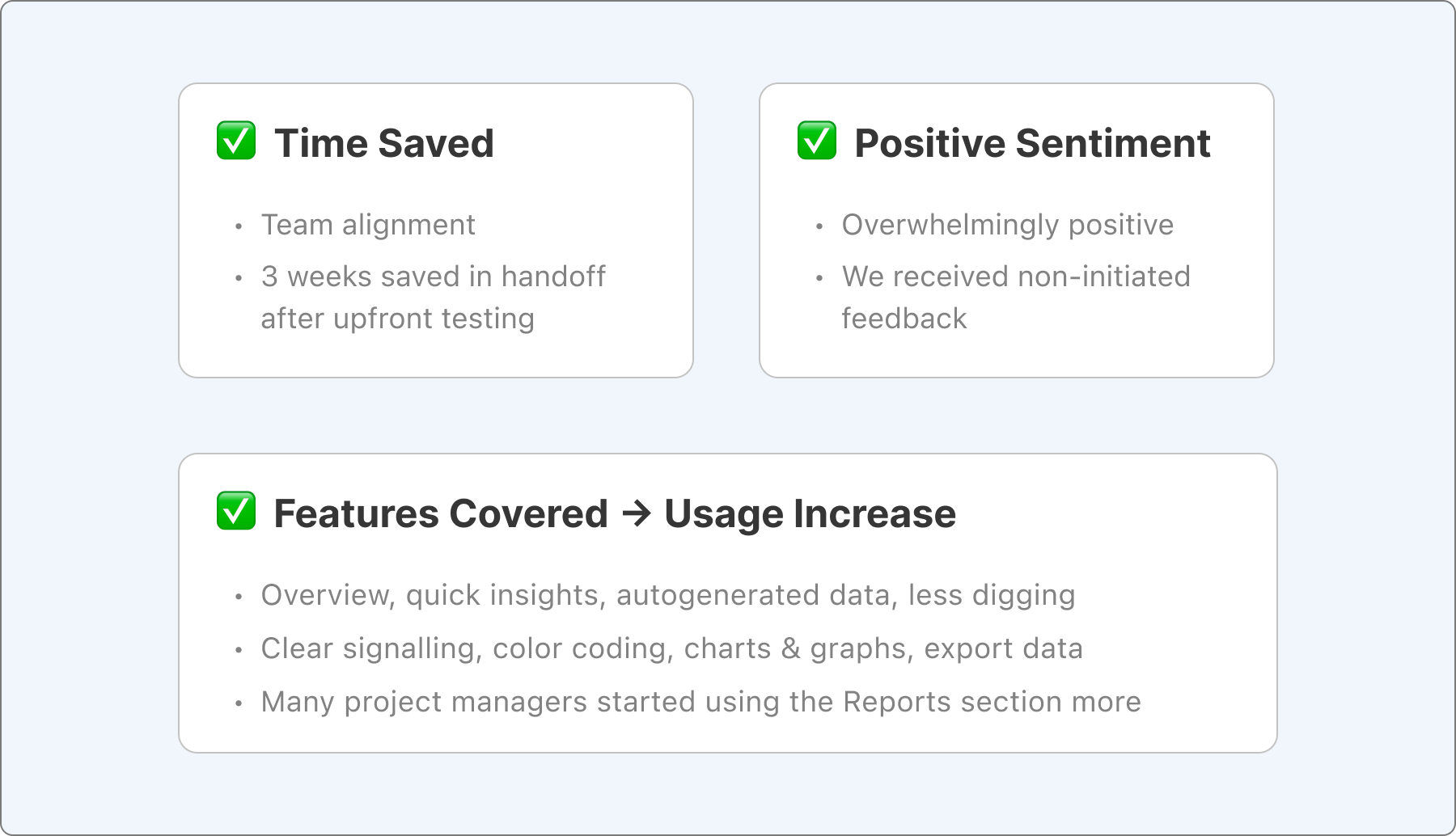
Most importantly, when the new dashboards went live, the feedback was overwhelmingly positive. Users finally got the visual clarity they'd been asking for — clear signals, quick insights, and far less digging through lists. Many mentioned that they could now spot issues or progress at a glance, which was exactly the goal from the start. It felt like the design finally caught up with the way people actually worked.