One File, Two Outputs
JSON has quietly become the language AI speaks best. It's structured, predictable, and easy for a model to both read and generate — which made it the obvious starting point for a tool I'd been wanting to build for a while: a way to go from a single source file to a real Figma design and a clickable prototype in Claude Code, without redoing the same layout twice.
Figma already ships starter files for developers who want to build plugins. I took those, explained to Claude Code what the files were and what I wanted to make, and an hour later I had my first generic design rendering on the canvas. That part was easy. The harder problem — the one that actually mattered — was next.
From Generic Output to a Design System
A plugin that renders a design isn't useful to me. I needed it to render my design — pulling from the same tokens and patterns already defined in our design system, not inventing its own. That meant building a proper Claude skill rather than a one-off prompt. It took two days to define a handful of key shell components, which was enough to start experimenting. The first real test case was a CRM.
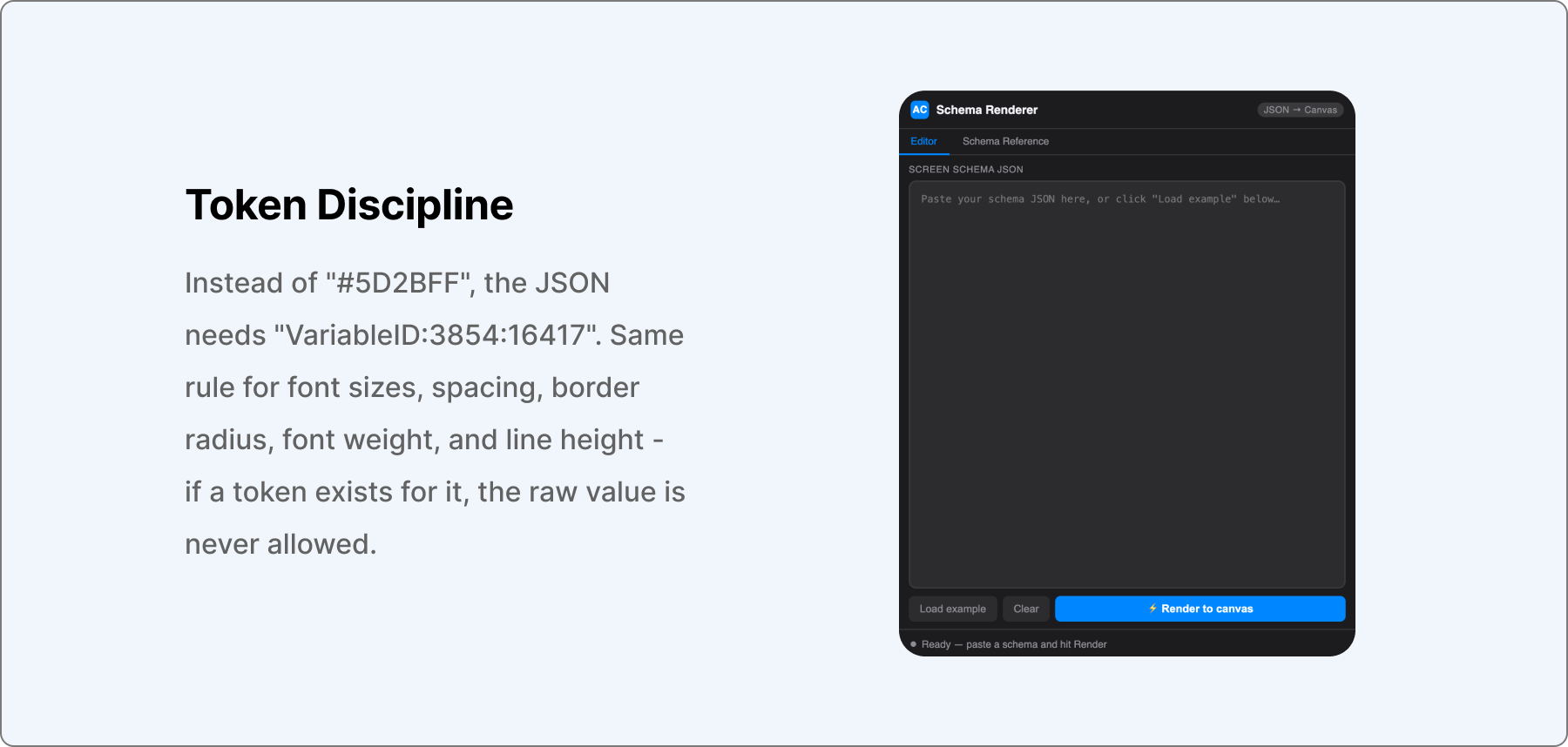
The skill — I named it JSON2UI — works alongside a Figma plugin I also built, so that the same JSON file can be parsed by both. That's the actual point of the whole exercise: one source of truth for designers and developers, instead of a Figma file on one side and a component library on the other, slowly drifting apart.
The plugin expects a specific schema — screen, theme, and a root node of type frame with layout properties set, matching a JSON Schema Renderer spec I'd built earlier. Every node has to use a valid type — frame, text, button, badge — and, critically, every property that has a matching token has to reference the token's variable ID, not a raw value.
Teaching the Skill to Read Its Own Tokens
Getting the plugin to actually read tokens from our design system, rather than assuming its own defaults, was the real unlock. It meant adapting the plugin itself, not just the skill — but once it worked, it paid off twice: theme switching became trivial, and just as important, it meant I could show the result to developers and have it mean something, since they're pulling from the exact same tokens in their React components.
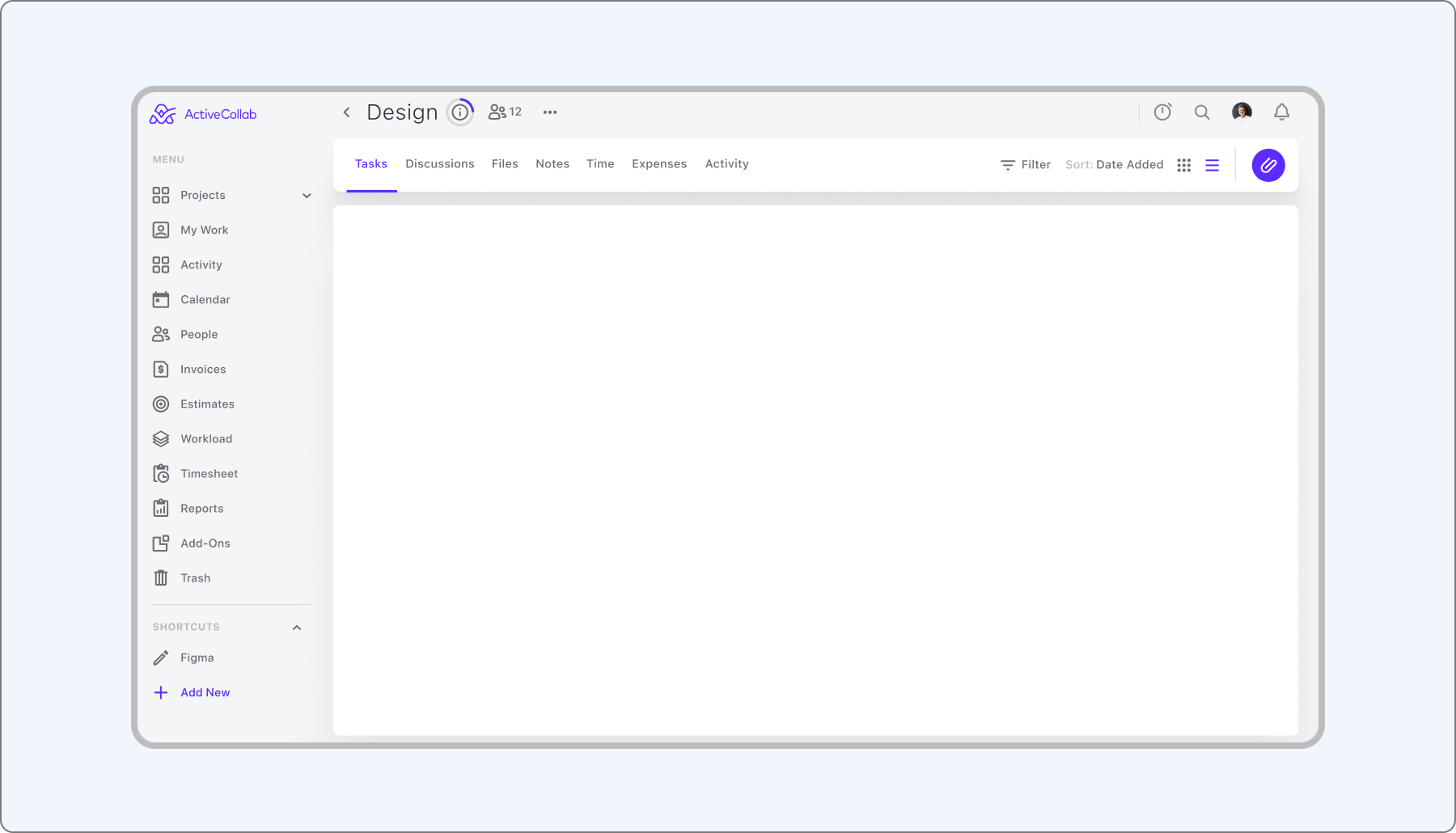
I connected the skill to our icon registry next, so components could reference real icons instead of placeholder squares. Then I updated the skill's process directly — after the "read the token reference" step, I added a new one: read the app shell template at references/app-shell.json whenever generating a full page, so every screen inherits the same navigation and layout scaffolding instead of reinventing it.
Tables were the one component that fought back the whole way. My first instinct was to point Claude at a Tailwind UI reference for the markup, but it couldn't parse the embedded code cleanly — it still produced something usable, just not from the reference I intended. The fix that actually worked was structural: wrap every table cell in its own frame with a fixed width and layout, then place the text or badge inside that frame, rather than trying to lay out a whole row at once.
Token usage was its own problem, separate from the design one. I was burning through a lot of it running everything in Claude Cowork, so I switched to Claude Code with Plan First mode for this workflow — having it plan the JSON structure before generating it cut token consumption dramatically.
Where the Real Decisions Start
By the third completed page, the pattern was obvious: everything looked like everything else. Each screen was technically correct — right tokens, right components, right layout rules — and yet they all read as the same page wearing different labels. That's exactly where a tool like this stops being able to help. Deciding which needs are shared across screens and which ones deserve a different treatment is where user feedback meets business priorities, and it's not something a skill file can encode for you. That judgment call is the job.
What This Actually Solves
With Claude Code, I ended up with my first working Figma plugin — a tool that reads tokens and patterns from a predefined design system and turns them into a real starting screen, not a placeholder. That's a genuinely good starting point, because it removes the thing most designers dread most: the blank screen with nothing on it.
What it doesn't solve, and isn't meant to, is the part that comes after the first draft — noticing when three screens in a row have started to look the same, and knowing which one actually needs to be different. That's still a design decision, not a rendering problem, and no amount of token discipline changes that.